

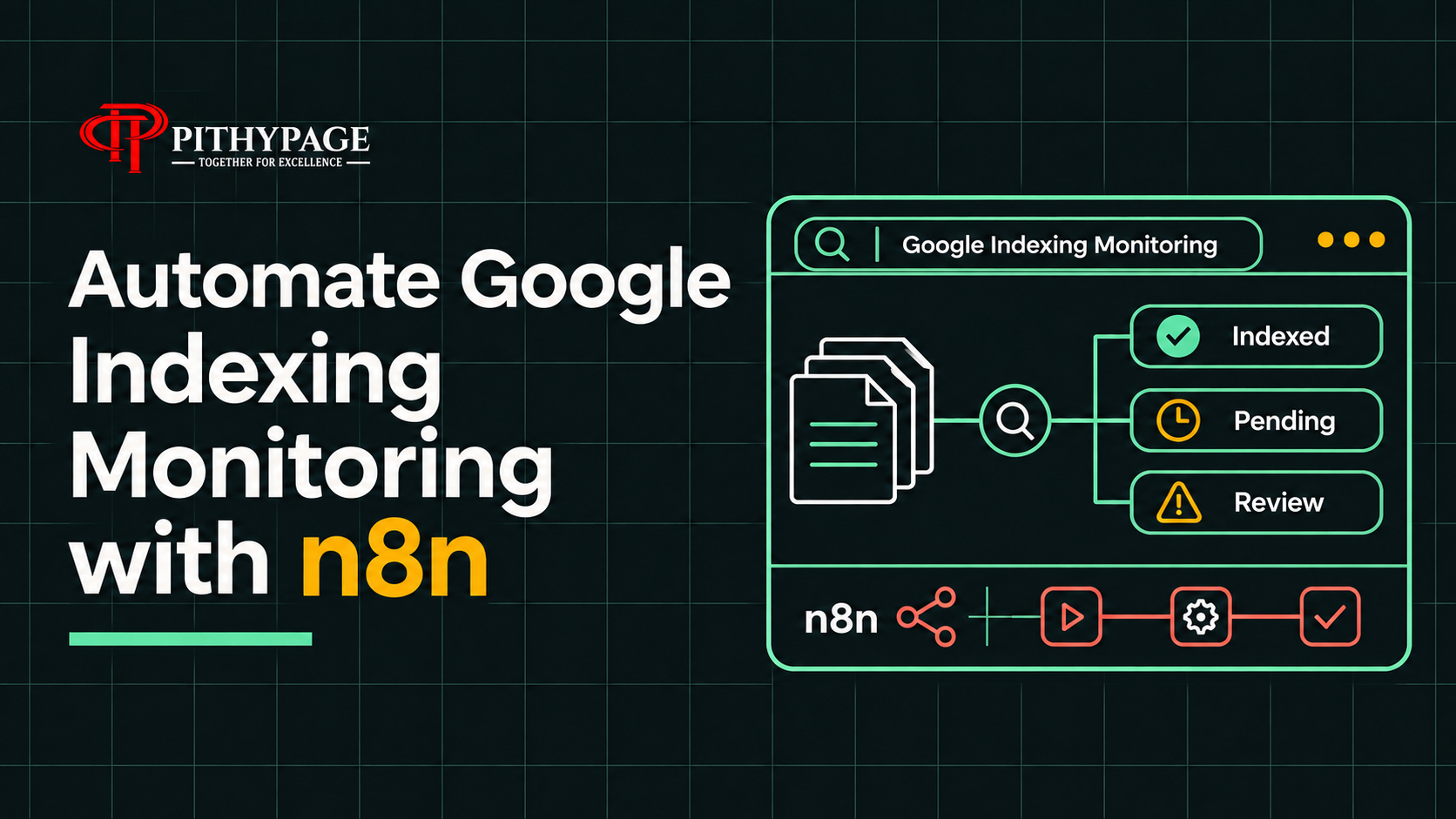
Keeping track of Google indexing status is crucial for maintaining the visibility of your web pages. With n8n, you can automate Google indexing monitoring to receive daily updates on any changes in the index status of your site’s pages. This article explores how a daily inspection report can help identify pages whose index status changes, ensuring you stay informed about your website’s performance on Google Search.
Building a Daily Google Indexing Monitoring Workflow
To automate the process of Google index status monitoring, I set up an n8n workflow that runs each morning and inspects every URL in a client’s sitemap. This workflow leverages the Google Search Console API to perform URL inspections and gather index status data. The core idea is to compare the current index status with the previous day’s results and report any changes, providing valuable insights without redundant information.
By storing the results of the previous inspection, the workflow ensures that only URLs with a changed index status are reported. This approach avoids unnecessary alerts and focuses on highlighting meaningful changes that could impact the site’s visibility in search results.
Workflow Configuration
The workflow is structured to run daily, inspecting the URLs listed in the sitemap. During the last recorded full run, the workflow found that 79 out of 88 URLs were indexed. This baseline provides a reference point for future inspections. The URL Inspection node in n8n fetches the status known to Google for each URL, which is crucial for understanding the current indexing landscape.
// Example pseudo-code for the workflow setup
const previousResults = getPreviousResults();
const currentResults = inspectUrls(sitemapUrls);
const changedStatuses = compareResults(previousResults, currentResults);
reportChanges(changedStatuses);
While the URL Inspection API provides the index status Google has for each URL, it’s important to note that this does not guarantee rankings. For more details on how URL inspection works, you can refer to the Google URL Inspection API documentation.
Troubleshooting Common Workflow Issues
During the development and testing phase, I encountered a few issues that required investigation and resolution. Each bug provided an opportunity to refine the workflow and improve its reliability.
Bug: Incomplete URL Inspection
Symptom: The workflow reported only 70 URLs as inspected, missing 18 URLs from the sitemap.
Investigation: I reviewed the workflow execution logs and found that the API call to the Google Search Console was timing out before all URLs were processed.
Cause: The timeout setting for the API call was insufficient for the number of URLs being inspected, leading to incomplete data retrieval.
Fix: I increased the timeout setting in the URL Inspection node configuration, allowing more time for the API to respond with all the necessary data.
Result: After adjusting the timeout, the workflow successfully inspected all 88 URLs, providing a complete and accurate report.
Bug: Duplicate Alert Reports
Symptom: The system was sending duplicate alerts for URLs with unchanged index status.
Investigation: I checked the logic used to compare previous results with current results and found a flaw in the conditional statement.
Cause: The comparison logic did not correctly identify unchanged statuses, leading to redundant alerts being generated.
Fix: I updated the comparison logic to accurately detect changes in index status, ensuring only relevant alerts are sent.
Result: The workflow now sends alerts only for URLs with a changed index status, reducing noise and focusing on significant updates.
Conclusion
By automating Google index status monitoring with n8n, you can efficiently track the indexing status of your site’s pages and respond to changes promptly. This approach not only saves time but also ensures that you are always informed about your site’s performance in search results. For those interested in exploring more about n8n error handling or integrating with other Google services, there are additional resources available.
Want this built for you?
If you’re interested in setting up a similar Google indexing monitoring system or need assistance with other automation tasks, we can help. Our expertise in AI Solutions and Automation can streamline your workflow and enhance your site’s performance. Reach out to explore how we can tailor a solution that meets your specific needs.
