

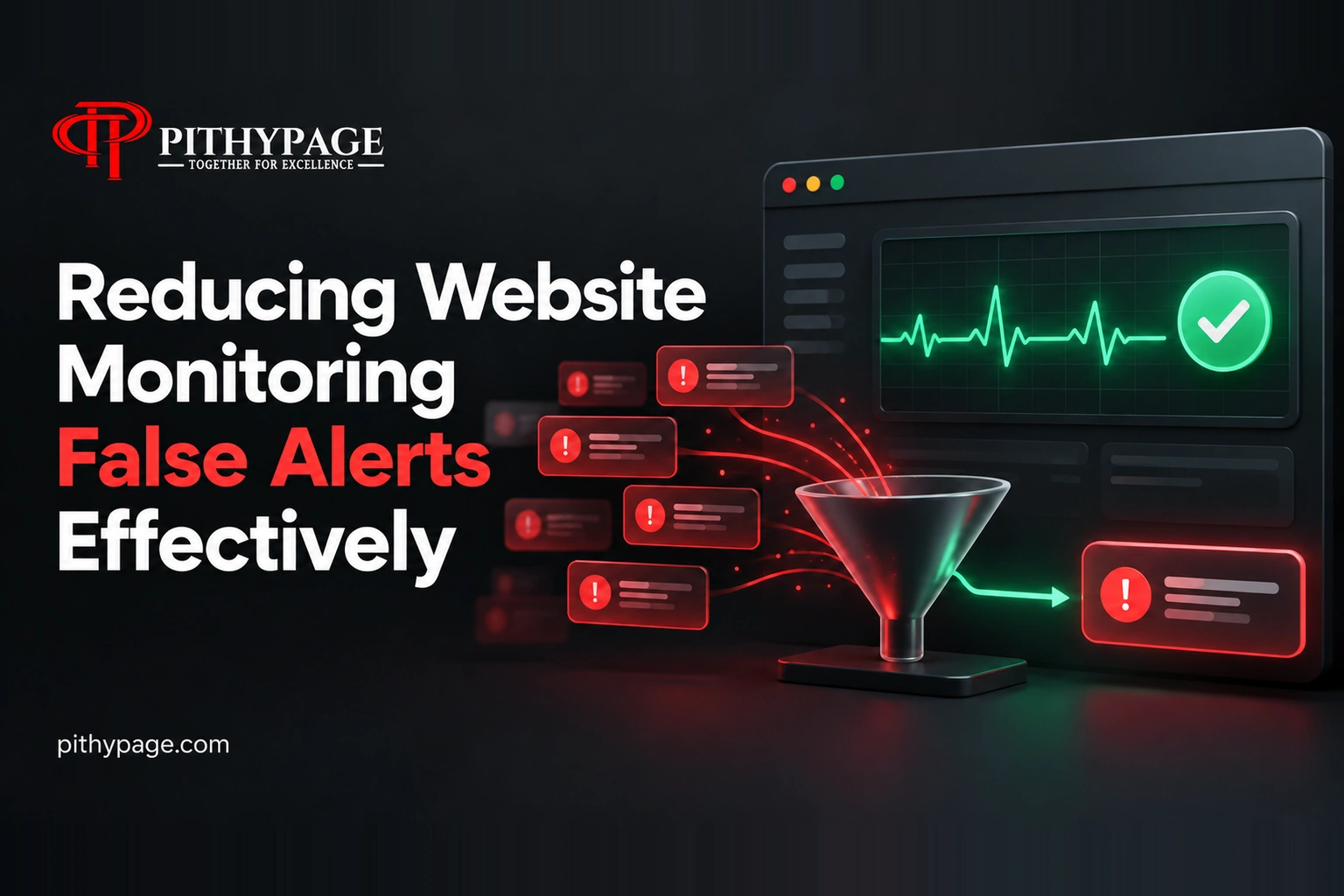
In the realm of automated website monitoring, encountering false alerts is a common challenge. These alerts can quickly become overwhelming, transforming valuable notifications into noise. I recently faced this issue with a client site, where 58 false or repeated alerts were generated. By implementing state comparison, I was able to significantly reduce false website alerts and enhance the efficacy of the monitoring system.
Understanding the Problem of Website Monitoring False Alerts
The primary issue with our initial monitoring setup was the sheer volume of false alerts. These alerts cluttered the notification system, making it difficult to identify genuine issues that required attention. Repeated alerts, even when there was no real change in the website’s status, became a source of frustration and inefficiency.
The Role of State Comparison in Reducing Alerts
To tackle the problem, I introduced a state comparison mechanism within the n8n workflow. This involved storing a snapshot of the previous run in an n8n Data Table, allowing for a detailed comparison between the current and previous states of the website. By doing so, the system only triggers a Slack notification when there is a meaningful issue or a change in the issue state.
// Example of state comparison logic
if (currentState !== previousState) {
  // Send Slack notification
}
This approach not only reduced the volume of false alerts but also ensured that each notification was relevant and actionable. Additionally, the workflow was configured to send an all-clear message when appropriate, further aiding in maintaining clarity and reducing noise.
Investigating and Fixing the Alert Issue
The symptoms of the initial problem were clear: 58 false or repeated alerts cluttered the system. To investigate, I examined the alert generation process and found that alerts were being triggered without a change in the website’s status. This indicated that the system was not effectively distinguishing between genuine issues and normal operational states.
Implementing the Fix
The real cause of the problem was the lack of state comparison. By implementing a system to compare the current result with the previous state, I was able to discern when a genuine issue occurred. The fix involved storing the previous run snapshot in an n8n Data Table and using this data to inform the alert logic.
// Logic to store and compare states
const previousState = getDataFromTable();
const currentState = getCurrentState();
if (currentState !== previousState) {
  // Send Slack notification
  updateDataTable(currentState);
}
After implementing the fix, the number of false alerts dropped significantly, making the notification system far more reliable and efficient.
Results and Impact
Following the implementation of state comparison, the number of false or repeated alerts was reduced substantially. The system now sends notifications only when there is a meaningful issue or a change in the state, transforming the alert system from a source of noise into a tool for actionable insights. The reduction in noise allowed for quicker response times to genuine issues, enhancing the overall effectiveness of the website monitoring process.
For developers facing similar challenges in automated monitoring systems, leveraging state comparison can be a valuable strategy. By ensuring that alerts are only sent when necessary, you can maintain the integrity of your notification system and focus on meaningful issues.
Want this built for you?
If you’re looking to enhance your website’s monitoring system or reduce false website alerts, consider implementing state comparison in your workflow. Whether it’s n8n alert deduplication or reducing automated monitoring noise, we can help design a solution tailored to your needs. Explore our AI Solutions and Automation services to see how we can support your business. With the right approach, you can ensure your alerts are relevant and actionable, keeping your operations running smoothly.
